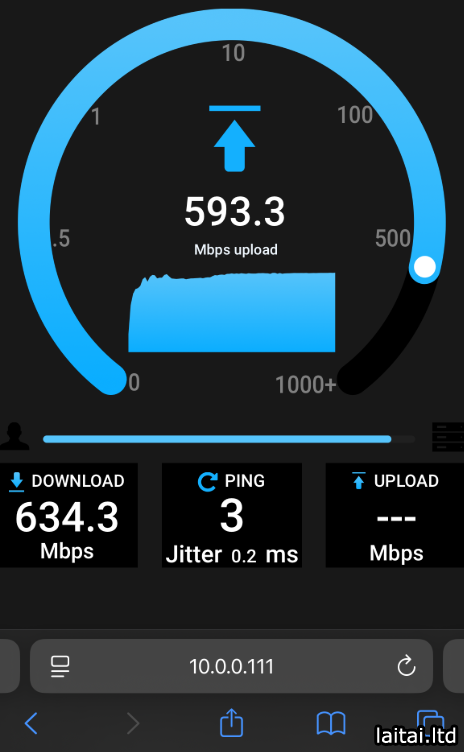
Docker install instructions:
Install Docker and run the following command!
sudo docker run --restart=unless-stopped --name openspeedtest -d -p 3000:3000 -p 3001:3001 openspeedtest/latest
Or use docker-compose.yml
version: '3.3'
services:
    speedtest:
        restart: unless-stopped
        container_name: openspeedtest
        ports:
            - '3000:3000'
            - '3001:3001'
        image: openspeedtest/latest
Warning! If you run it behind a Reverse Proxy, you should increase the post-body content length to 35 megabytes.
Follow our Nginx Config.
Now open your browser and direct it to:
A: For HTTP use: http://YOUR-SERVER-IP:3000
B: For HTTPS use: https://YOUR-SERVER-IP:3001
Container-Port for http is 3000
If you need to run this image on a different port for HTTP, Eg: change to 80 = -p 80:3000
Container-Port for https is 3001
If you need to run this image on a different port for HTTPS, Eg: change to 443 = -p 443:3001
GitHub:
github.com/openspeedtest/Speed-Test
